How to make your boyfriend a scrapbook he opens on his phone
A digital scrapbook doesn't have to mean designing pages. Pick 10 to 20 photos of the two of you, put them in order from the first day to now and add a short letter: he opens an envelope on his phone and sees them one by one, with your letter at the end. It's free, takes about ten minutes and needs no sign-up to start.
By bemypresent · Updated
The example
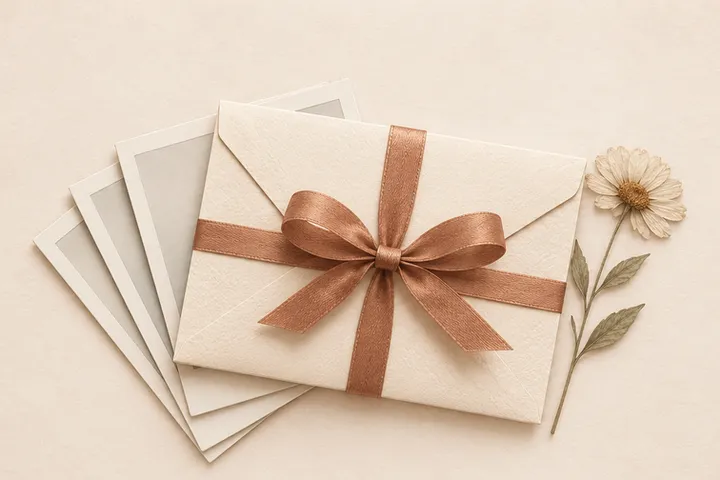
You can change all of it before you send it. Free, no sign-up.
What he sees when he opens it
The link opens in his phone's browser, with nothing to install. First an envelope with his name and yours. He opens it and the title appears, then your photos, one after another, in the order you put them. Your letter comes last, and at the end he can send you a reaction and a short message back.
There are no pages to lay out, stickers or captions under each photo. The photos tell the story and the letter says what they can't. That's why it takes minutes and not a whole weekend.
How to pick and order the photos so they tell a story
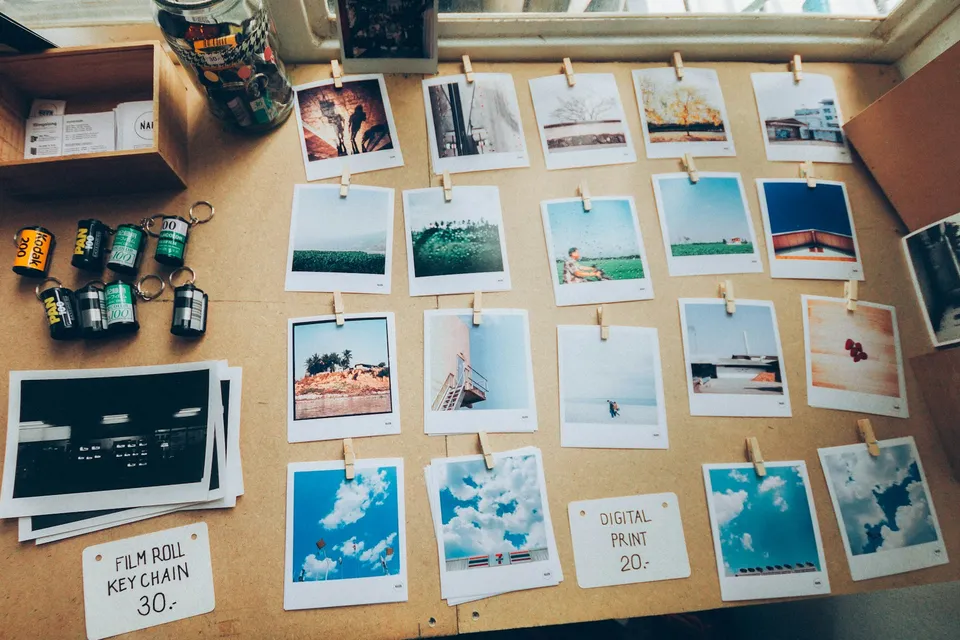
The order is the story. A camera roll in random order feels like a slideshow; the same photos from the first day to today feel like a scrapbook.
- Start at the beginning: the first photo you have together, even if it's blurry. Especially if it's blurry.
- Pick 10 to 20. Fewer and it ends too soon; many more and he starts swiping. You can add up to 30.
- Mix big days with ordinary ones. The trip matters, but so do his car, your usual coffee place and his hand on the steering wheel.
- One photo per moment. Five shots of the same sunset turn into one.
- End with the most recent one, the closest thing to “us, now.” The letter picks up from there.
- Write the letter last, once you've seen the photos in order: 400 characters, about four sentences.
Digital scrapbook ideas for your boyfriend
One photo per month
For an anniversary, twelve photos for twelve months. He'll remember what happened in each one, and that's the gift.
Every visit so far
For long distance: one photo from each visit, in order, and a letter that ends with the date of the next one. A countdown to closing the gap, made of the times you already did.
Our firsts
First date, first trip, first apartment, first fight you laughed about later. Works well early in a relationship, when there aren't hundreds of photos yet.
The ordinary stuff
No big trips: his messy desk, the grocery runs, the couch on a Sunday. Often the one that gets the longest reply.
Other ways to make a scrapbook, and when they work better
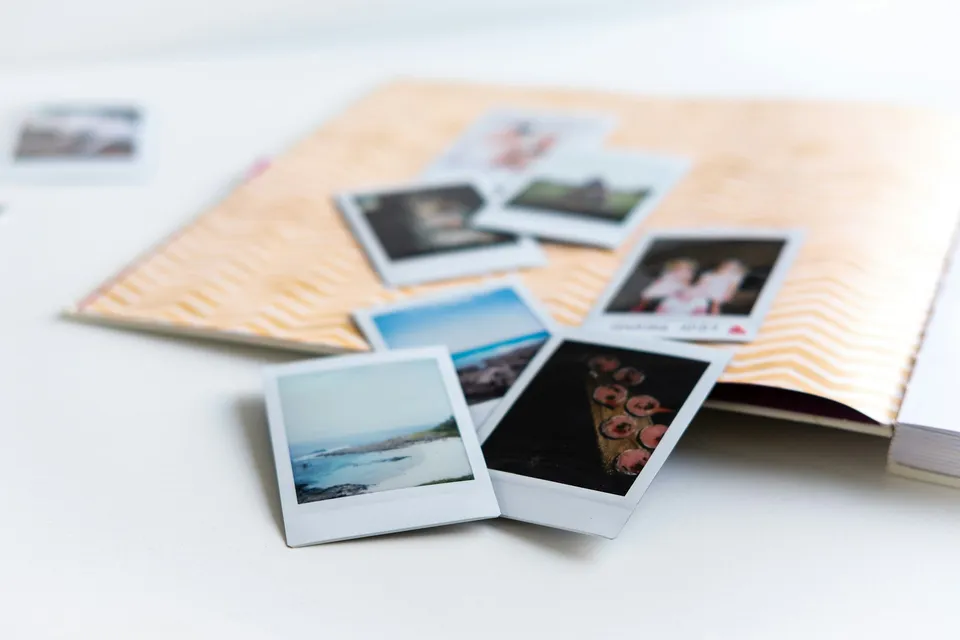
A printed photo book
If he likes things he can hold and keep on a shelf, paper wins. Order it two weeks ahead: printing and shipping take time.
Pages designed in Canva or Adobe Express
If what you enjoy is the scrapbooking itself, with backgrounds, stickers and a caption on every photo. Plan on a few hours.
A video montage
If you want music under your photos, a phone video editor does that better. Pick the song first and cut the photos to it.
A digital album he opens like an envelope
When you want it today, when he's far away or when you'd rather spend the time choosing photos than designing pages.
Scrapbook or love letter?
It depends on what you have more of. If you have lots of photos and a few words, a scrapbook. If you have a lot to say and a few photos, a digital love letter works better: a longer letter with a caption under each photo, and help writing it.
What to text with the link
The link preview already shows his name, so a short line is enough.
I put our two years in one place. Open it when you have five quiet minutes.
I went through 4,000 photos for this. You're watching all of it.
Something to look at until I see you. Last photo is from your last visit, next one's from this one.
What it costs
The memory album is free. With the Free plan, the link is visible for 24 hours, then you have 6 more days to recover it before it's deleted. If you want him to be able to open it again next year, the Pro plan is a one-time payment of $9.99: it never expires and has no bemypresent brand during the album.
How to make it with bemypresent
Pick how it opens
A birthday, an anniversary, Christmas, a memory album or a box with a surprise inside.
Make it yours
Add the names, your photos and a message. You see it exactly as they will, and it saves as you type.
Publish it
Confirm your email with a code, no passwords. We send you the link and its QR code, and you'll find it in your account on any device.
Share it
By text, on WhatsApp or with the QR code printed inside a card. They open it on their phone, no app needed.
Frequently asked questions
Can I make a digital scrapbook for my girlfriend?
Yes. It works the same for a girlfriend, a boyfriend, a wife or a husband: their name goes on the envelope and the photos and letter are yours.
How many photos can I add?
Up to 30, shown one by one in the order you choose. Between 10 and 20 is usually the right length.
Can I add a caption to each photo?
Not in the memory album: it's the photos and one short letter. If you want a few words under each photo, the digital love letter does that.
Does he need an app to open it?
No. It's a link that opens in any phone or computer browser, and he doesn't need an account.
You might also like
- How to write your boyfriend a love letter he opens on his phone
Write a digital love letter for your boyfriend that opens like an envelope on his phone, with your photos and help with the words. Ideas for long distance too.
- How to make your girlfriend a surprise website without coding
Make a surprise website for your girlfriend with your photos, a letter and a line for each memory, no coding. What to put on it and what to text her.
- How to ask someone to be your Valentine with a link
Make a will you be my Valentine website with their name, a Yes and a No that runs away. Free to start, no code, and you get an email with their answer.
- Ways to ask someone to be your Valentine, by who you're asking
Cute, funny will you be my Valentine ideas for your best friend, girlfriend, boyfriend or crush, with poster lines to copy and a link to send.
- A cute Halloween gift for your boyfriend, near or far
Cute Halloween gifts for your boyfriend, from a boo basket to a love letter that opens on his phone, with notes to copy and ideas for long distance.
Make it your own
Create my gift